How to fast travel in GTA 6 with a taxi or RydeMe
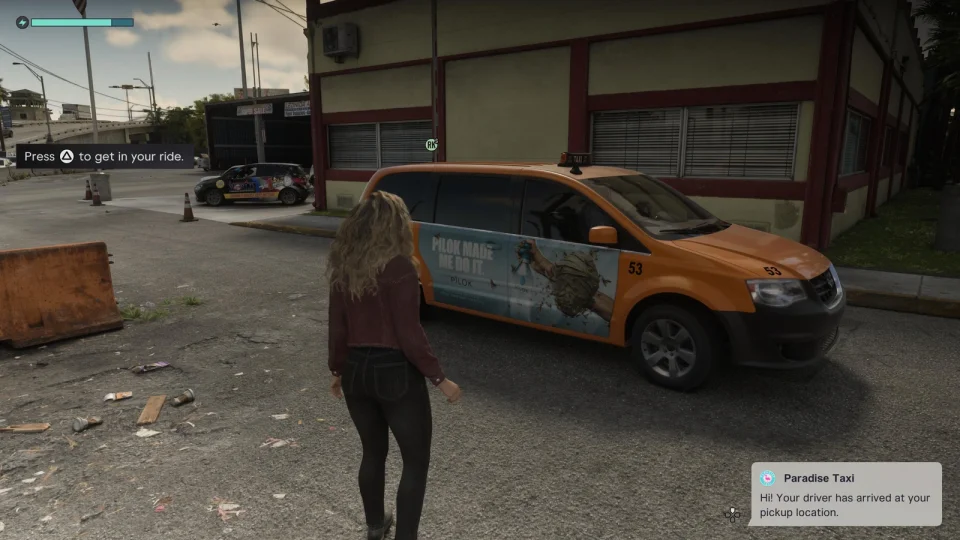
To fast travel in GTA 6, call Paradise Taxi or book a RydeMe car. Set a destination, get in, and pay $100 on top of the fare to skip the ride. The map marker tells the driver where to go.
How to call Paradise Taxi
You can call Paradise Taxi in free roam after Gone Fishing in Chapter 1. The cab takes pocket cash.
- Press Up on the D-pad to pull out your phone. Open Contacts, select All Contacts, and call Paradise Taxi.
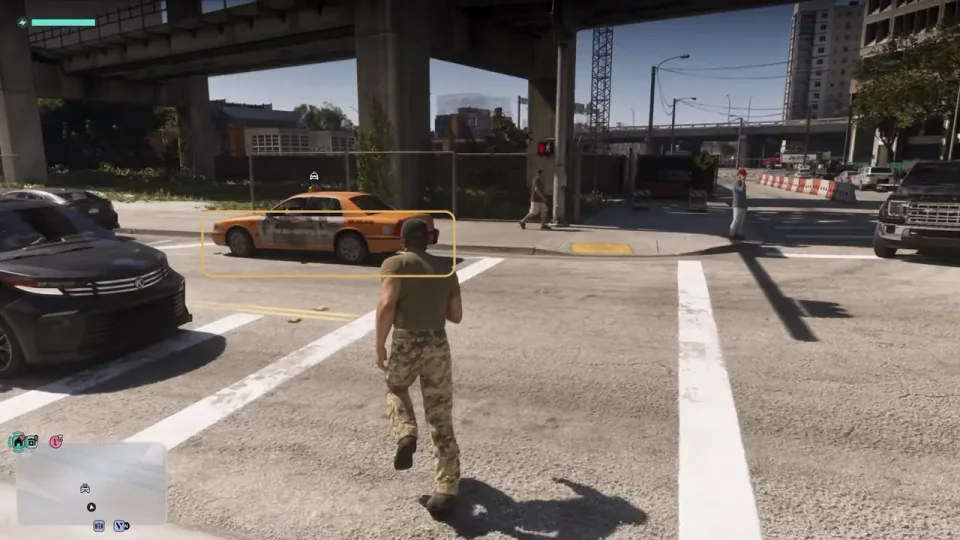
- Wait by the road. If the cab pulls up a little farther away, look for the white car icon on the minimap.
- Set a waypoint beforehand or choose Change Destination when the driver asks where you’re going. Check the fare next to Confirm, accept it, and start the ride.
How to book a RydeMe car
The Buck Me story mission opens your BuckMe account. Check your phone afterward. Once the RydeMe icon appears, you can book a ride. Call Paradise Taxi in the meantime.
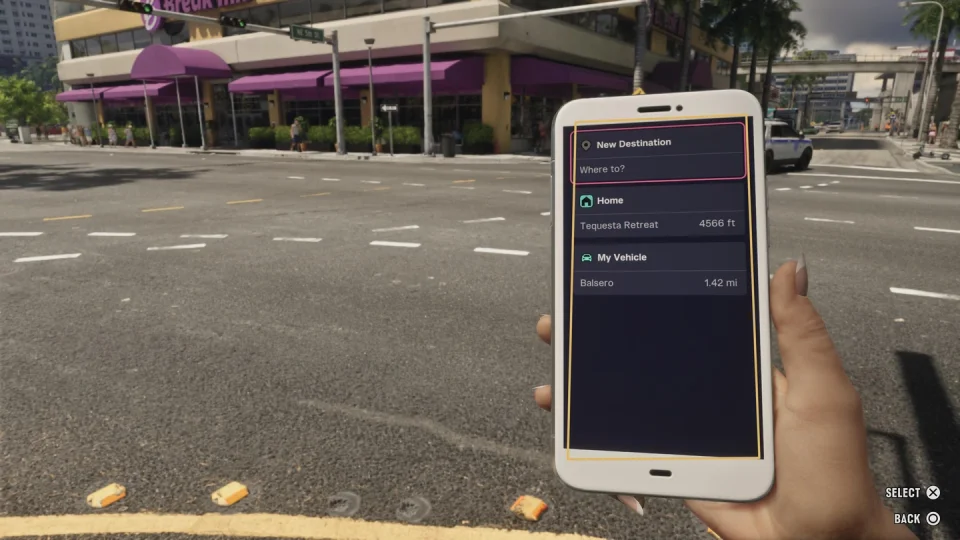
- Open RydeMe and select Home, My Vehicle, or New Destination to pick a spot on the map.
- Check the fare and select Book Ryde. The app charges your BuckMe account. The fare varies by route.
- Wait for the driver and get in. If the app can’t find a driver, try Paradise Taxi.
Choose a pickup spot and destination that a car can reach. If a booking gets cancelled while you’re away from the road, head to the roadside and try again.
How to skip the ride on PS5 and Xbox
Once the car starts moving, open the driver menu and choose Skip Journey ($100).
- PS5. Hold L2, then hold Triangle.
- Xbox Series X|S. Hold LT, then use Y as shown on screen.
Keep an extra $100 in pocket cash for Paradise Taxi or in BuckMe for RydeMe. If you only have enough for the fare, you can still ride to your destination. Hurry Up ($5) asks the driver to go faster while the ride continues.