How to walk faster in GTA 6
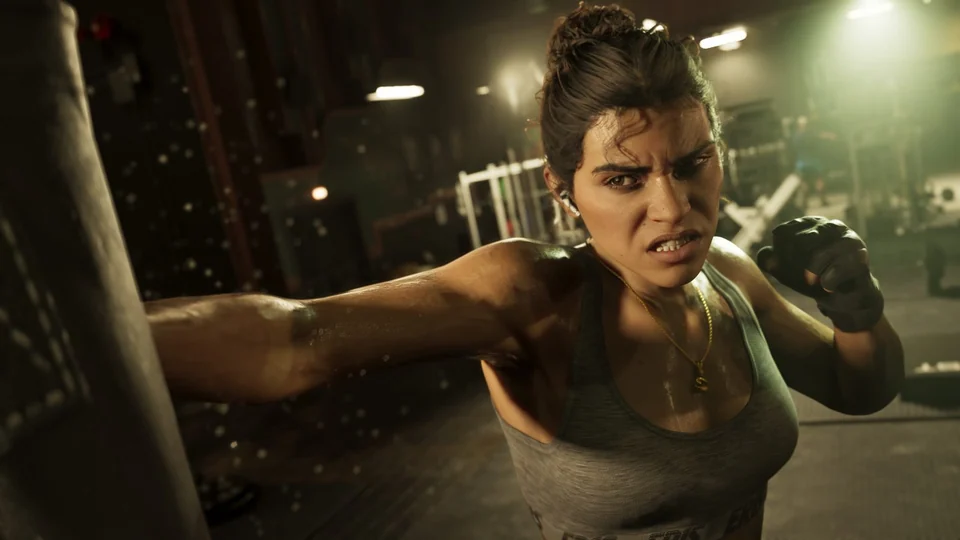
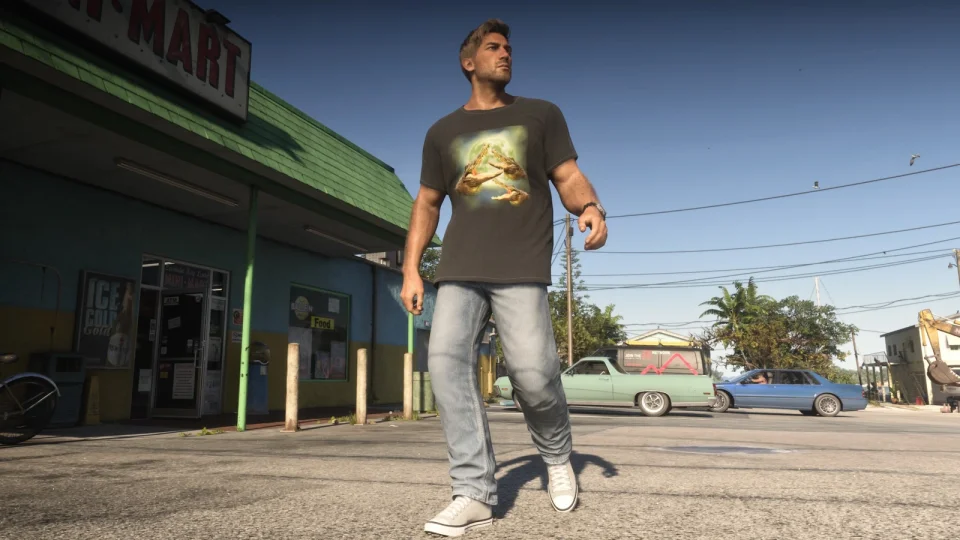
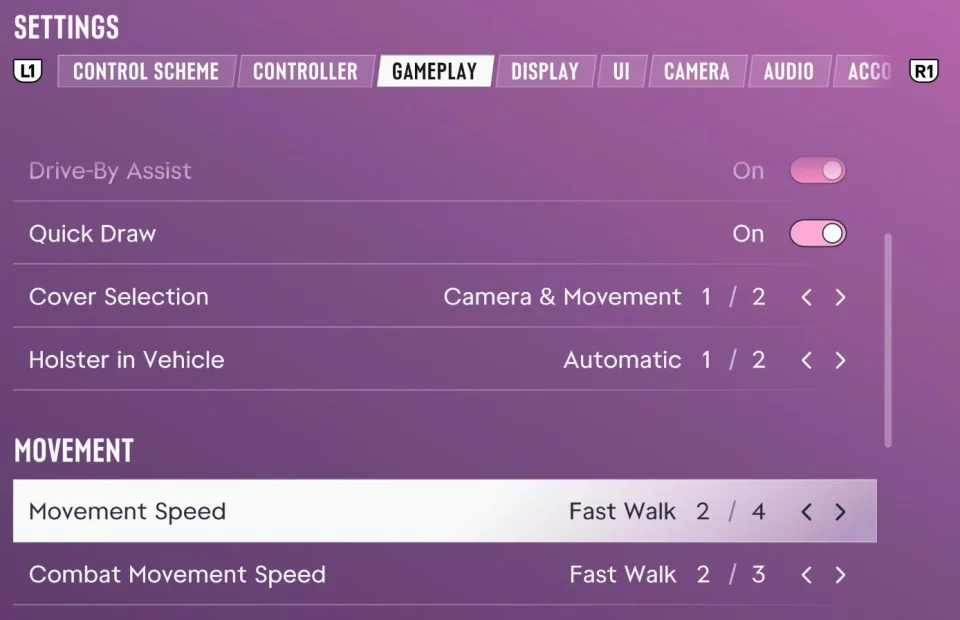
To walk faster in GTA 6, open Settings, switch to the Gameplay tab, and scroll down to Movement. Set Movement Speed to Fast Walk. Jason and Lucia will now walk briskly when you push the left stick all the way.
What Movement Speed changes
Movement Speed has four options, from slowest to fastest: Walk (the default), Fast Walk, Jog, and Run. This setting controls your pace when the left stick is fully tilted. Move it partway to slow down. Your top sprint speed stays the same, and sprinting still uses stamina.
Fast Walk works well for short trips on foot, such as going from the parking lot to a store. If you’re crossing several blocks, try Jog or Run. Push the stick all the way to hold your chosen pace.
How to change movement speed in combat
Combat Movement Speed is the next row down in the same Movement section. It controls how fast you move during gunfights. You can choose Fast Walk, Jog, or Run. For example, keep Fast Walk for getting around town and set combat movement to Jog so you can move between cover more quickly.
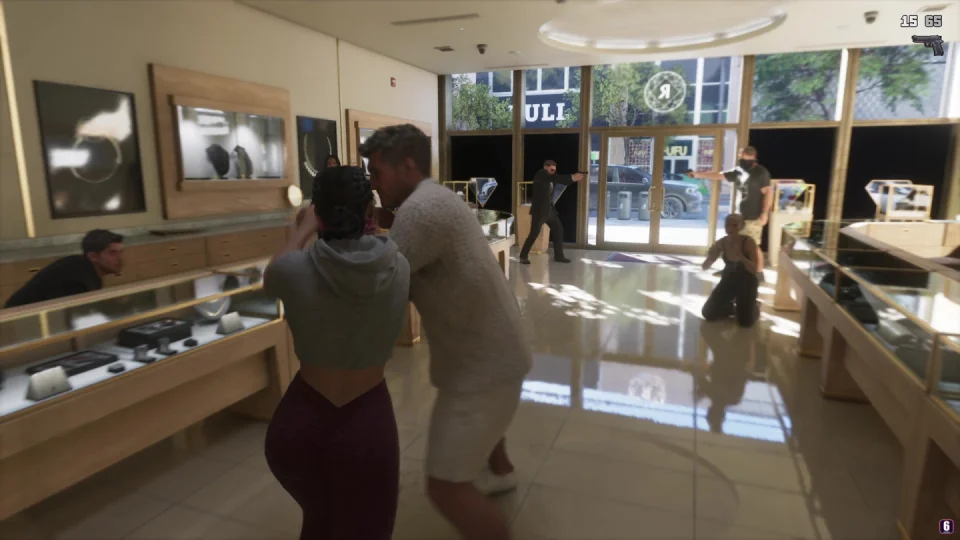
For more on how controls and combat have changed, see our guide to GTA 6’s new mechanics.