How to Skip Time in GTA 6
To skip time in GTA 6, select Rest at a bed in a safehouse, choose Sleep, and set the alarm. This lets you sleep until morning or another time of day. If you’re far from a safehouse and need to travel, skip a taxi ride or a trip booked through the RydeMe ride-hailing service. You’ll arrive at your destination, and the in-game clock will move forward.
How to sleep and choose a wake-up time in GTA 6
- Approach the bed and wait for the Rest prompt. At Jason’s bed, hold Triangle on PS5 or select Rest with Y on Xbox Series X|S. If you see Stash, move away from the foot of the bed and stand beside it. Stash opens the hidden cash compartment.
- Once your character settles onto the bed, select Sleep with Square on PS5 or X on Xbox.
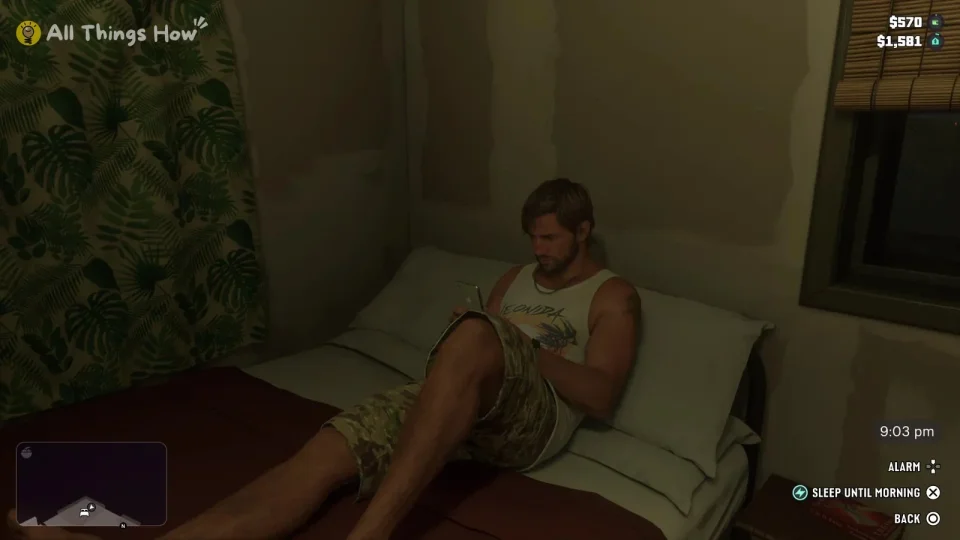
- In the Alarm menu, use the D-pad to cycle through the options. Depending on the scene, you may be able to sleep until morning, noon, evening, or night. The menu lets you choose a time of day, while the clock in the corner shows the current time. Confirm your wake-up time with Cross on PS5 or A on Xbox.
Where Jason and Lucia can sleep
In Chapter 1, Jason can sleep at his house on Key Lento. In a PS5 playthrough, going to bed after 9 p.m. gave him the option to sleep until morning or noon. If you want to head outside in daylight, look for Sleep Until Morning.
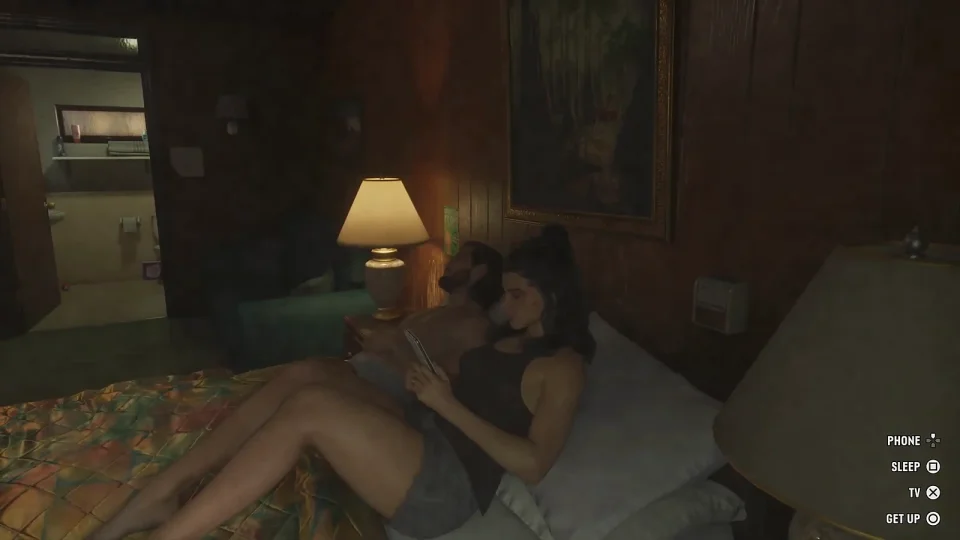
In Chapter 2, during Take Care of Jason, return as Lucia to room 06 at the Starlet Motel in Port Gellhorn. On a return visit to Jason, Sleep appears in the bed menu. In a PS5 playthrough, Lucia was offered the choice of sleeping until night or morning. She chose morning. At other safehouses, look for the prompt beside the bed.
How to skip time while traveling
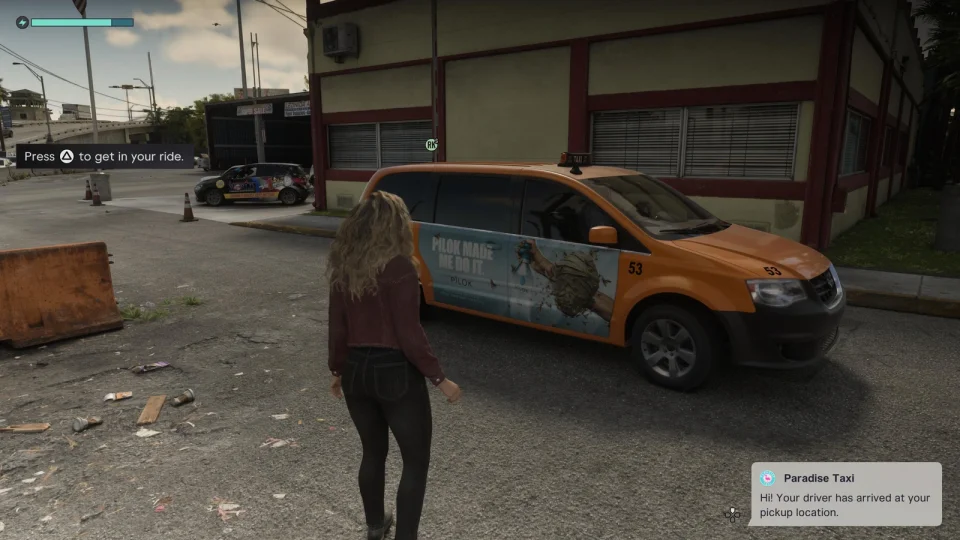
Set a destination and start a ride with Paradise Taxi or RydeMe. Once inside the car, hold L2 on PS5 or LT on Xbox to open the driver menu. Select Skip Journey ($100) with Triangle on PS5 or Y on Xbox.
The $100 charge is added to the fare. You’ll arrive at your destination immediately, and the clock will advance by the journey’s duration. How much time passes depends on the route, so this method is useful when you also need to get somewhere else. Our fast travel guide explains how to call a car and when RydeMe becomes available.
How to arrive at the right time
Before going to sleep, open Index, the in-game reference guide. An hourglass icon marks missions and activities you can miss if you sleep through the relevant time. If you need to arrive at a particular hour, choose an earlier wake-up time and allow time for the journey. For example, for a nighttime meeting outside town, you can sleep until evening and then set off.
Sources
- Games & Apps Tutorials, gameplay footage of sleeping and setting the alarm
- The Breakdown, separate gameplay footage of sleeping until morning
- All Things How, screenshots of the menu at Jason's house
- GTA6 Heists, Take Care of Jason walkthrough as Lucia
- GTABase, time progression when skipping a journey
- Ape Knight Gaming, Gameplay footage of skipping a Paradise Taxi journey
- GamesRadar+, sleeping and time-sensitive events